A few months back, Munki 7 was released. Thank you, Greg and all the other contributors. Munki 7 was a major upgrade, moving from Python to Swift. Munki no longer has a dependancy for Python, making it even easier to distribute to your fleet of Macs.
For those unaware, Munki is patch management software. It allows you upgrade apps like Chrome or Firefox on your Macs. With Autopkg, you can also populate your repo with new software as it’s released, allowing admins to easily keep their fleet up to date and compliant.
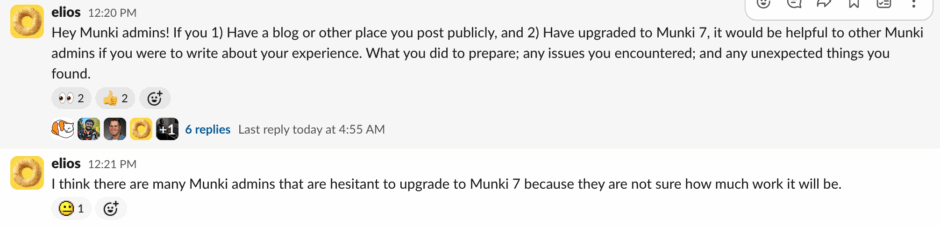
The upgrade was a pretty easy process, but an anonymous user on Mac Admins Slack posted requesting that those with blogs post about our experiences upgrading to Munki 7.
If you’re using a standard version of Munki with no middleware, you can just upgrade your clients using Munki. Add the Munki package to your repo, add it to the appropriate catalog[ues] and assuming you already had Munki in your Munki repo, that should be it. If you did not, you’ll need to add Munki to your manifests, too.
I, however, used the S3 middleware that was built by Wade Robson. This middleware allowed my clients to directly talk to my S3 bucket, allowing them all to see all the files without being open on the internet (there are many other solutions to this problem from basic auth to other means, I chose this one because it suited my needs best).
With the migration to Swift, the Python middleware solutions will no longer work. Greg made some demo middleware that do work.
I added the middleware to my Munki repo and installed it for everyone’s device.

Days later, I added Munki 7 to a small subset of devices. Through logging on my MDM, I could see that they were updated to a newer version of Munki and that new updates were being rolled out to those devices.
I then slowly expanded the group of Macs that Munki 7 was installed on, until my entire fleet had Munki 7 successfully running and patching software.